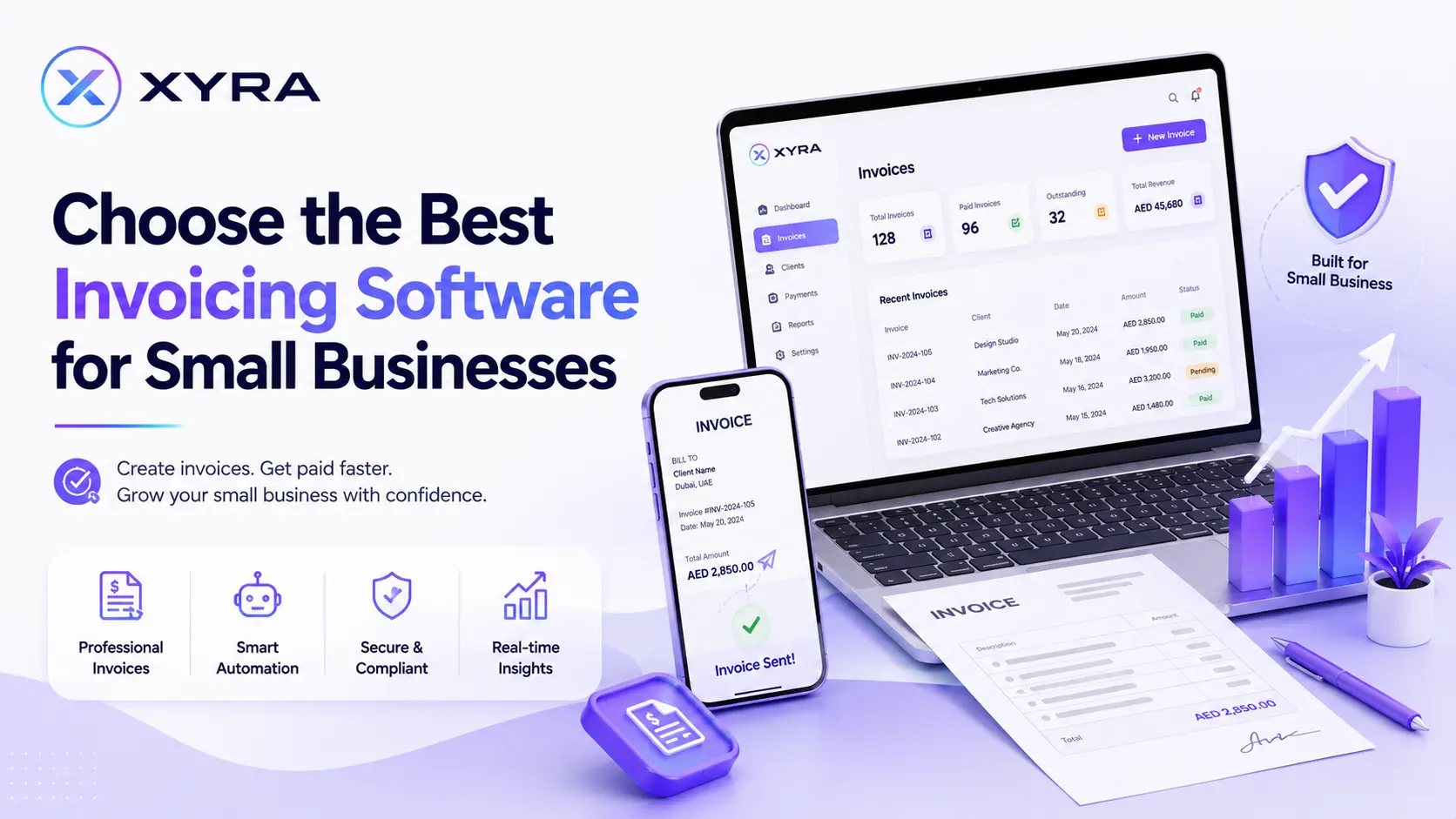
Managing invoices manually can quickly become overwhelming for small businesses. From creating invoices and tracking payments to sending reminders and maintaining financial records, manual processes take time and increase the risk of errors.
With the right invoicing software, small businesses can streamline their billing process, ensure timely payments, and reduce manual errors. By automating invoicing tasks, businesses can save valuable time, improve cash flow, and focus more on growth instead of administrative work.
In this blog, we'll discuss how to choose the right invoicing software for your small business by considering important factors such as pricing, features, and user-friendliness. Understanding these factors will help you compare different solutions and choose software that best fits your business needs.
Table of Contents
- Why Small Businesses Need Invoicing Software
- Benefits of Using Invoicing Software for Small Businesses
- Step-by-Step Guide to Finding Invoicing Software for Small Businesses
- Avoiding Common Invoicing Mistakes When Choosing Software
- Quick Checklist Before Choosing Invoicing Software for Small Businesses
- Conclusion
- FAQs
Why Small Businesses Need Invoicing Software
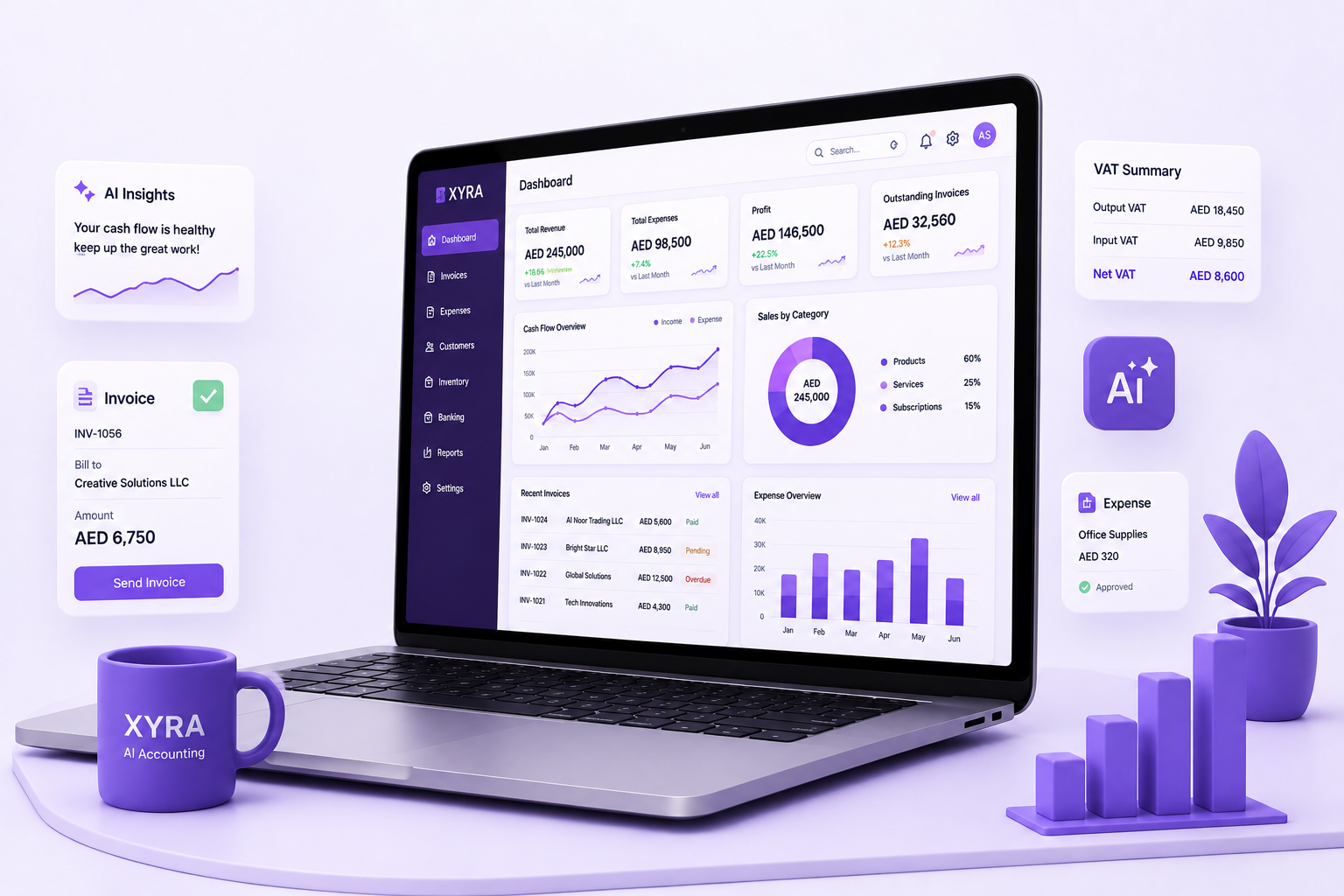
Invoicing software helps businesses simplify billing, reduce manual work, and improve payment collection. Instead of spending hours creating invoices manually, businesses can automate recurring invoices, track outstanding payments, and generate financial reports from a single platform.
Using good invoicing software also improves accuracy, saves time, and provides better visibility into business finances.
Benefits of Using Invoicing Software for Small Businesses
The right invoicing software helps small businesses simplify billing, improve payment collection, and manage finances more efficiently. Here are some key benefits:
- Faster invoice creation
- Streamlined billing processes
- Timely payment collection
- Reduced invoicing errors
- Automated payment reminders
- Better cash flow management
- Professional invoice templates
- Secure financial record keeping
- Real-time payment tracking
- Easy financial reporting
These benefits help businesses operate more efficiently while delivering a better customer experience.
Step-by-Step Guide to Finding Invoicing Software for Small Businesses
Choosing invoicing software requires more than comparing prices. Follow these important steps before making your decision.
Step 1: Understand Your Business Needs
Before comparing different invoicing software options, identify what your business requires.
Ask yourself:
- How many invoices do you send each month?
- Do you need recurring billing?
- Will multiple employees use the software?
- Do you need inventory management?
- Do you require tax calculations?
- Will your business grow in the future?
Understanding your business requirements helps narrow down the best software for your needs.
Step 2: Look for Essential Features
Different invoicing software offers different capabilities. Focus on features that improve your daily operations.
Important features include:
- Invoice customization
- Recurring invoices
- Automatic payment reminders
- Expense tracking
- Customer management
- Tax calculation
- Financial reporting
- Invoice history
- Multi-currency support
- Mobile access
Choose software that provides the features your business actually needs.
Step 3: Confirm UAE Tax and E-Invoicing Compliance
If your business operates in the UAE, ensure your invoicing software complies with Ministerial Decision No. 243 of 2025 and Ministerial Decision No. 244 of 2025 for VAT and Peppol-based e-invoicing.
Look for software that supports:
- UAE VAT compliance
- Peppol-based e-invoicing
- PINT AE invoice format
- Accredited Service Provider (ASP) integration
- Automatic VAT reporting
Step 4: Choose User-Friendly Software
A simple and intuitive interface helps you create invoices quickly without extensive training.
Look for software that offers:
- Easy navigation
- Professional invoice templates
- Simple dashboard
- Quick invoice generation
- Clear reporting
Easy-to-use software improves productivity and reduces the learning curve.
Step 5: Compare Pricing Plans
Pricing varies between providers, so compare plans carefully.
Consider:
- Monthly or annual subscription
- Number of users
- Invoice limits
- Available features
- Upgrade options
- Hidden charges
Choose software that fits your budget while supporting future business growth.
Step 6: Check Payment Options
Offering multiple payment methods helps customers pay invoices faster.
Look for software that supports:
- Credit and debit cards
- Bank transfers
- Digital wallets
- Online payment gateways
Flexible payment options improve customer convenience and cash flow.
Step 7: Evaluate Automation Features
Automation reduces repetitive work and improves efficiency.
Useful invoice automation software features include:
- Recurring invoices
- Automatic invoice generation
- Payment reminders
- Scheduled invoices
- Late payment notifications
- Expense categorization
Automation saves time while reducing manual errors.
Step 8: Ensure Data Security
Financial information should always remain secure.
Choose software that provides:
- Data encryption
- Secure cloud storage
- Automatic backups
- User access controls
- Two-factor authentication
Strong security protects your business and customer data.
Step 9: Check Software Integrations
Your invoicing software should integrate with other business tools.
Look for integrations with:
- Accounting software
- CRM systems
- Banking platforms
- Inventory management software
- Payroll software
- E-commerce platforms
Integrations improve workflow and reduce duplicate work.
Step 10: Read Customer Reviews
Customer reviews help you understand real-world performance.
Check reviews for:
- Ease of use
- Customer support
- Reliability
- Software updates
- Overall satisfaction
Reviews can help you make a more informed decision.
Step 11: Try the Free Trial
Many invoicing software providers offer free trials.
During the trial period, evaluate:
- User interface
- Invoice creation
- Automation features
- Reporting
- Mobile access
- Customer support
Testing the software helps ensure it meets your business needs before purchasing.
Avoiding Common Invoicing Mistakes When Choosing Software
Choosing the right invoicing software helps streamline billing, ensure timely payments, reduce errors, and improve cash flow. However, selecting the wrong solution can lead to unnecessary costs and inefficiencies. Here are a few common mistakes to avoid:
- Choosing software based only on price
- Ignoring future business growth
- Overlooking security features
- Not checking integrations with other business tools
- Paying for unnecessary features
- Skipping the free trial or demo
Avoiding these mistakes will help you choose invoicing software that supports your business needs and long-term growth.
Quick Checklist Before Choosing Invoicing Software for Small Businesses
Check this quick guide to choose the right invoicing software for small businesses with features that support growth and productivity.
| Feature | Why It Matters |
|---|---|
| Easy to use | Saves time and improves productivity. |
| Invoice customization | Creates professional invoices. |
| Automation | Reduces manual work. |
| Payment tracking | Improves cash flow. |
| Cloud access | Work from anywhere. |
| Data security | Protects financial information. |
| Software integrations | Connects business tools. |
| Reporting | Supports better decision-making. |
| Mobile access | Manage invoices on the go. |
| Scalable pricing | Supports business growth. |
Conclusion
Choosing the right invoicing software is an important investment for any small business. The right solution should simplify invoicing, automate repetitive tasks, improve payment collection, and support your business as it grows.
Before making your decision, compare pricing, features, ease of use, automation, security, integrations, and customer support. Investing in the right invoicing software will help improve efficiency, reduce errors, strengthen cash flow, and support long-term business success.
FAQs
1. What is best invoicing software for small business?
The best invoicing software for small businesses depends on your specific business requirements. Look for features such as automation, payment tracking, recurring billing, reporting, security, and an easy-to-use interface.
2. How do I set up invoicing for my small business?
To set up invoicing, add your business details, customize invoice templates, define payment terms, include customer information, and start creating invoices.
3. Is cloud-based software better for small businesses?
Yes. Cloud-based solutions provide remote access, automatic backups, real-time updates, and better collaboration, allowing businesses to manage invoices and financial records from anywhere.
4. Can I customize invoices with this software?
Yes. Businesses can customize invoices by adding logos, branding elements, payment terms, and required details to create professional invoices.
5. Can payment reminders be automated?
Yes. Many invoicing solutions allow businesses to send automatic reminders for pending or overdue payments, helping improve payment collection.
6. Does this software support multiple currencies?
Yes. Many solutions support multiple currencies, allowing businesses to manage transactions with customers from different regions.
7. Can it connect with other business tools?
Yes. Invoicing software can integrate with accounting platforms, payment gateways, CRM tools, and other business applications to improve workflow efficiency.
8. How secure is online invoicing software?
Most online invoicing platforms use security features such as encryption, backups, and access controls to protect business and customer information.