Most UAE business owners know the feeling. The bank balance says one number, the books say another, and somebody has to sit with a statement and a spreadsheet until the two agree. With one or two accounts, that is tedious. With several banks, a payment gateway and a mix of AED and USD, it can swallow days every month.
Bank reconciliation software takes that work off your plate. This guide explains how it works, why it matters under UAE tax rules, and what to look for when you choose a tool.
Table of Contents
- What Is Bank Reconciliation
- Why Does It Matter for UAE Businesses?
- Common Bank Reconciliation Challenges Faced by UAE Businesses
- How Does Bank Reconciliation Software Work?
- Key Features of Effective Bank Reconciliation Software
- Manual vs Automated Bank Reconciliation: What's the Difference?
- How to Choose the Best Bank Reconciliation Software in UAE
- Bank Reconciliation and UAE Accounting Requirements
- FAQs
- Simplify Bank Reconciliation with XYRA
What Is Bank Reconciliation
Bank reconciliation is the process of comparing the transactions in your books with the transactions on your bank statement, then explaining every difference until both balances match. Bank statement reconciliation is traditionally a monthly task, although many finance teams now do it weekly or even daily.
Differences usually fall into three groups:
- Timing gaps: a cheque you issued that hasn't cleared yet, or a deposit the bank hasn't credited.
- Bank-side entries you haven't recorded: bank charges (and the 5% VAT on them), interest or direct debits.
- Errors: duplicate entries, wrong amounts or transactions posted to the wrong account.
Finding, explaining and correcting each of these is where the real work lies.
Why Does It Matter for UAE Businesses?
Getting bank reconciliation in UAE right is about more than tidy books. The Federal Tax Authority (FTA) expects businesses to keep records that support their tax returns, and bank statements sit at the centre of that trail. VAT records must be kept for at least five years, and Corporate Tax records for at least seven years after the end of the relevant tax period.
Unreconciled accounts also flow straight into your returns. A missed supplier bill means input VAT you never reclaim. A duplicated sale inflates the output VAT you pay. And because Corporate Tax (9% on taxable income above AED 375,000) starts from your accounting profit, any error in the books carries through to the tax figure.
Then there is cash. Reconciled accounts tell you what you can actually spend today, and they make unusual or unauthorised transactions far easier to spot.
Common Bank Reconciliation Challenges Faced by UAE Businesses
Some reconciliation headaches are very specific to how business is done here:
- Multiple banks and currencies. Many companies bank with more than one lender and transact in AED, USD and EUR, which adds exchange differences to every match.
- Post-dated cheques. PDCs are still common for rent and supplier payments, so cheques can sit outstanding for months.
- Payment gateway settlements. Card sales arrive in batches, net of fees, so a day's sales rarely equal a single deposit.
- Vague transfer references. Customers often pay without quoting an invoice number.
- Bulk WPS salary payments. Payroll through the Wage Protection System shows up as one debit against many employee records.
- Missing receipts. Card spends with no receipt leave unexplained lines, which is exactly where expense management software earns its keep.
Handle all of that in spreadsheets and month-end turns into a scramble.
How Does Bank Reconciliation Software Work?
A modern bank reconciliation system follows the same logic as a careful accountant, only much faster:
- Connect. Bank feeds pull transactions in automatically, or you upload a statement file.
- Match. Bank transaction matching compares amount, date, reference and contact against the invoices, bills and expenses already in your books. Good systems also handle one-to-many matches, such as a single transfer that settles three invoices.
- Categorise. Lines with no matching record (bank charges, for example) get a suggested account.
- Review. You confirm the suggestions and resolve whatever the system flags.
- Close. The period is marked reconciled, with a report and audit trail saved.
The software does the searching. You make the decisions.
Key Features of Effective Bank Reconciliation Software
- Automatic bank feeds, with statement upload (CSV, Excel or PDF) as a fallback
- AI-assisted matching that learns from your past decisions
- Split and partial matching for gateway settlements and part payments
- AED-first multi-currency support with exchange rate handling
- Correct treatment of VAT on bank charges
- An exception queue for anything the system can't match confidently
- Reconciliation reports and a complete audit trail
- A direct link to invoicing, bills, expenses and payroll, so every bank line has something to match against
- Role-based access and encrypted, read-only bank connections
Manual vs Automated Bank Reconciliation: What's the Difference?
Manual reconciliation means downloading statements, ticking lines against a ledger and chasing differences by hand. It works for a few dozen transactions a month. Beyond that it gets slow, relies on one person's memory, and lets errors hide until audit time.
Automated bank reconciliation flips the workload. Transactions arrive on their own, most lines are matched or categorised before anyone opens the screen, and people only spend time on genuine exceptions.
| Area | Manual | Automated |
|---|---|---|
| Data entry | Statements downloaded and keyed in by hand | Bank feeds sync on their own |
| Matching | Line by line | Rules and AI suggest matches |
| Errors | Easy to miss | Flagged as exceptions |
| Visibility | Month-end only | Close to real time |
| Audit trail | Spreadsheets and notes | Logged inside the system |
How to Choose the Best Bank Reconciliation Software in UAE
Ask these questions before you commit:
- Does it connect to the UAE banks you use, and accept statement uploads when a feed isn't available?
- Is it built around AED, with proper multi-currency handling?
- Does it sit inside your accounting software UAE setup, or will you be exporting files between tools?
- Can it handle PDCs, gateway settlements and split payments?
- Does it keep an audit trail you could hand to the FTA or your auditor?
- Where is your data hosted, and how are bank credentials protected?
- Will someone help you migrate from your current system?
Testing a free plan or trial with your own bank data is the quickest way to answer most of these.
Bank Reconciliation and UAE Accounting Requirements
No UAE law tells you how often to reconcile. But several rules assume your books are accurate:
- Record keeping. At least five years for VAT records and seven years for Corporate Tax records, with administrative penalties for failing to keep them.
- Financial statements. Corporate Tax is calculated from financial statements prepared under accepted accounting standards.
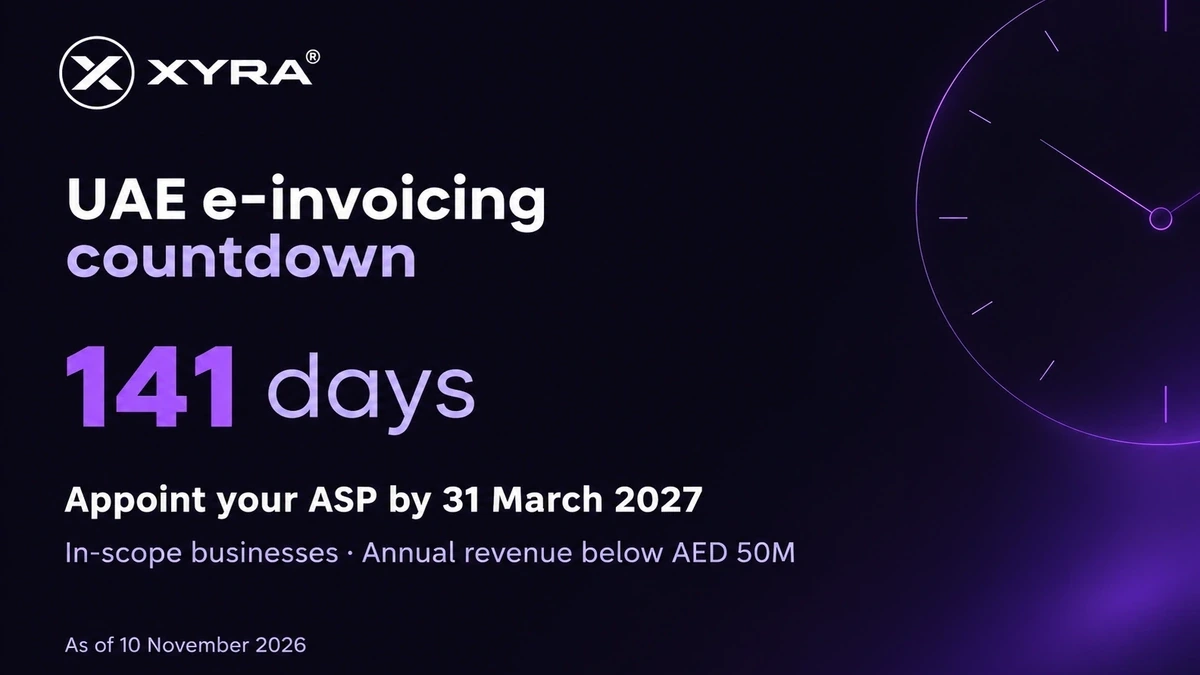
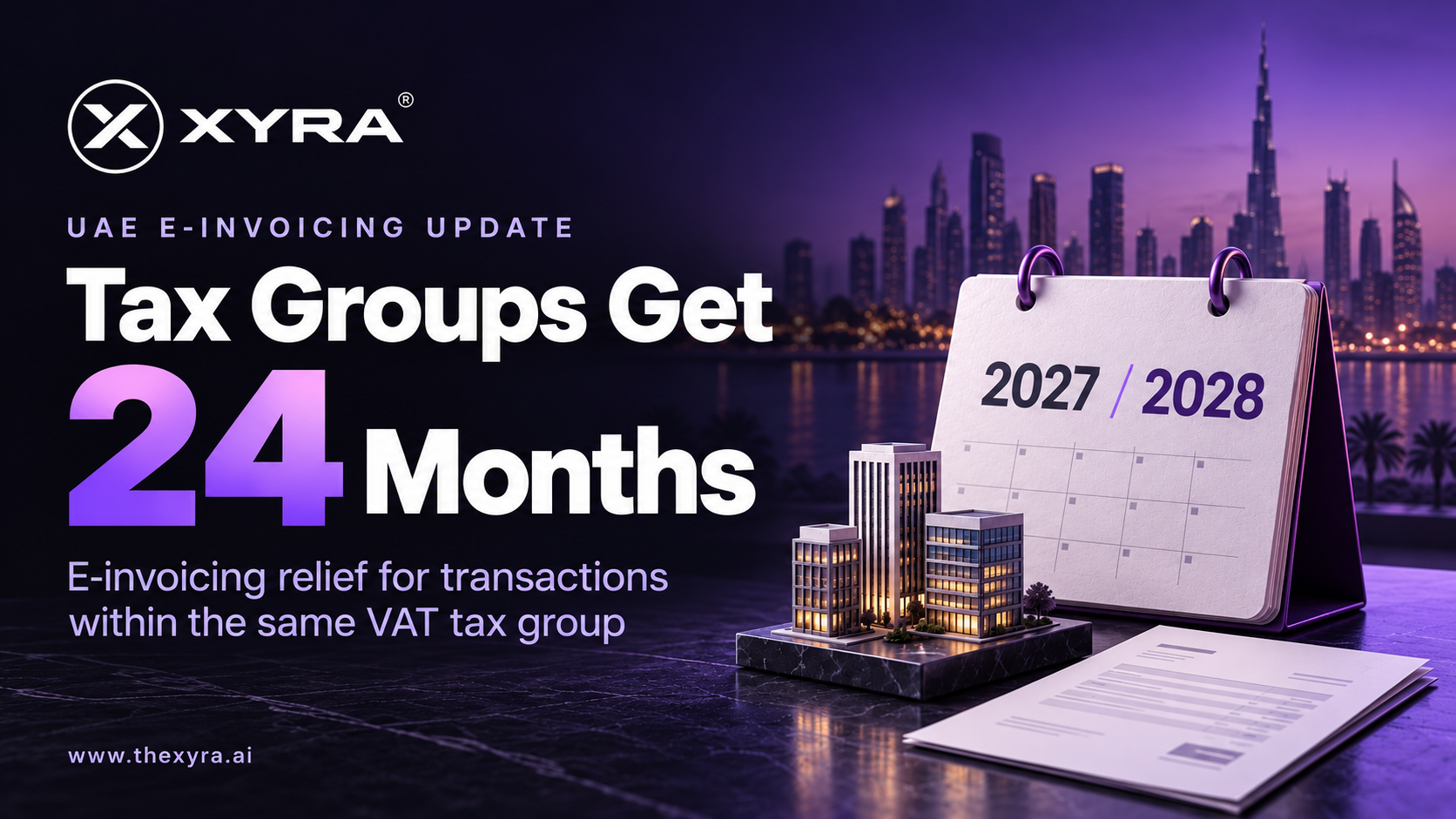
- E-invoicing. E-invoicing becomes mandatory from 1 January 2027 for businesses with annual revenue of AED 50 million or more, and from 1 July 2027 for those below that threshold. As invoices move to a structured digital format, it makes sense for payments to be matched against them digitally too.
Regular reconciliation is the simplest habit that keeps all three in order. For advice on your specific situation, speak to a registered tax agent.
FAQs
1. How often should a UAE business reconcile its bank accounts?
At least once a month, and always before filing a VAT return. Businesses with high transaction volumes often reconcile weekly or even daily, which is far easier with automated bank reconciliation.
2. Is bank reconciliation a legal requirement in the UAE?
No rule sets how often you must reconcile. However, the FTA requires records that support your VAT and Corporate Tax returns, and reconciled bank accounts are the simplest way to show those records are complete.
3. Can bank reconciliation software handle multiple currencies?
Good tools can. Look for AED-first bank reconciliation software that records foreign currency transactions at the right exchange rate and shows any gains or losses separately.
4. What is the difference between bank reconciliation and bookkeeping?
Bookkeeping records every transaction. Reconciliation checks those records against what actually happened in the bank, so it catches anything the bookkeeping missed.
Simplify Bank Reconciliation with XYRA
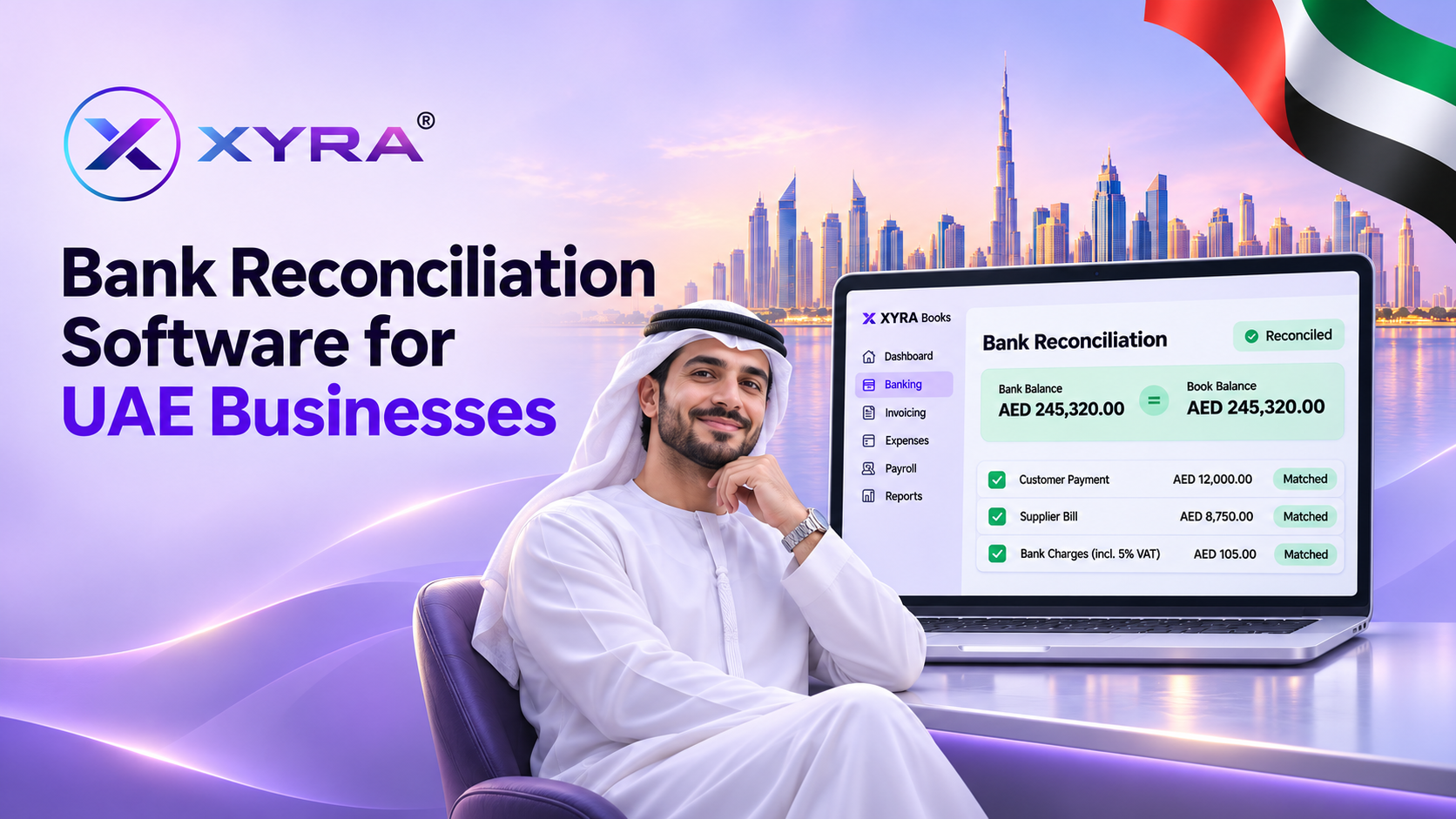
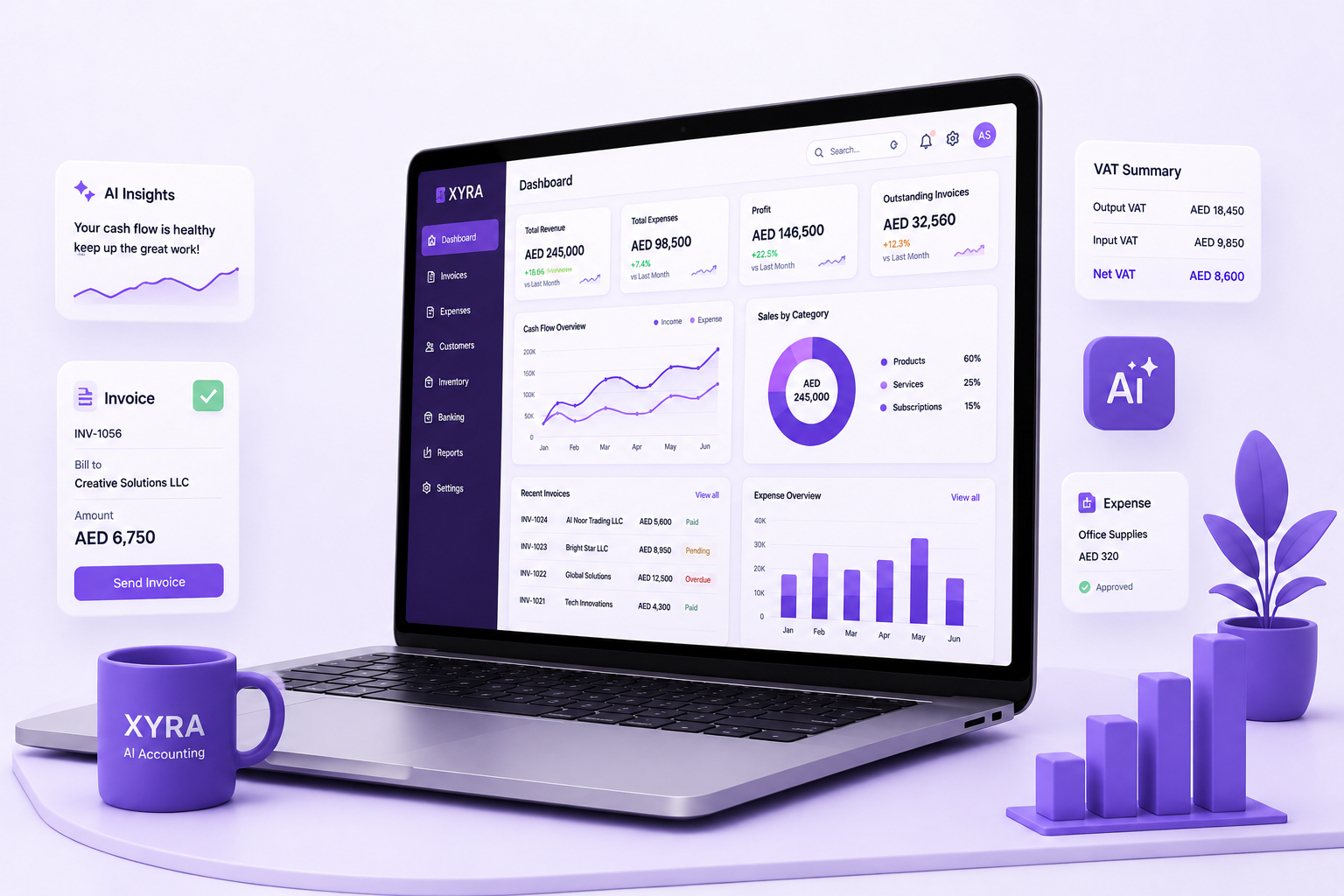
XYRA Books puts banking and reconciliation in the same place as your invoices, bills and reports, so it works as both your bookkeeping software and your reconciliation tool.
- Auto bank sync imports transactions every few hours, with no manual uploads.
- AI-powered matching links bank lines to invoices, bills and expenses, and you confirm suggestions in one click.
- Statement upload in PDF, CSV or Excel whenever you need it.
- Multi-account view of bank accounts, credit cards and payment gateways in one dashboard.
- AED-first with multi-currency support.
- Audit trail and reports once the books are reconciled.
It also connects with XYRA Expenses for receipts and XYRA Payroll for salaries, so fewer bank lines are left unexplained. AI bank reconciliation is included in XYRA's Free plan, and free migration from Zoho, QuickBooks and Xero is available.
Stop spending month-end chasing numbers. Start free with XYRA Books or book a demo to see your own bank lines reconcile.